Your cart is currently empty!.
You may check out all the available products and buy some in the shop.
Continue ShoppingNo products were added to the shop page.
Your Pheuw® wishlist is the fastest way to keep the athletic shorts, compression shirts, boxer briefs, sleeveless tops and performance sunglasses you love in one tidy place. Tap the heart on any product, come back whenever you like, and move your picks to the cart when you are ready to check out.
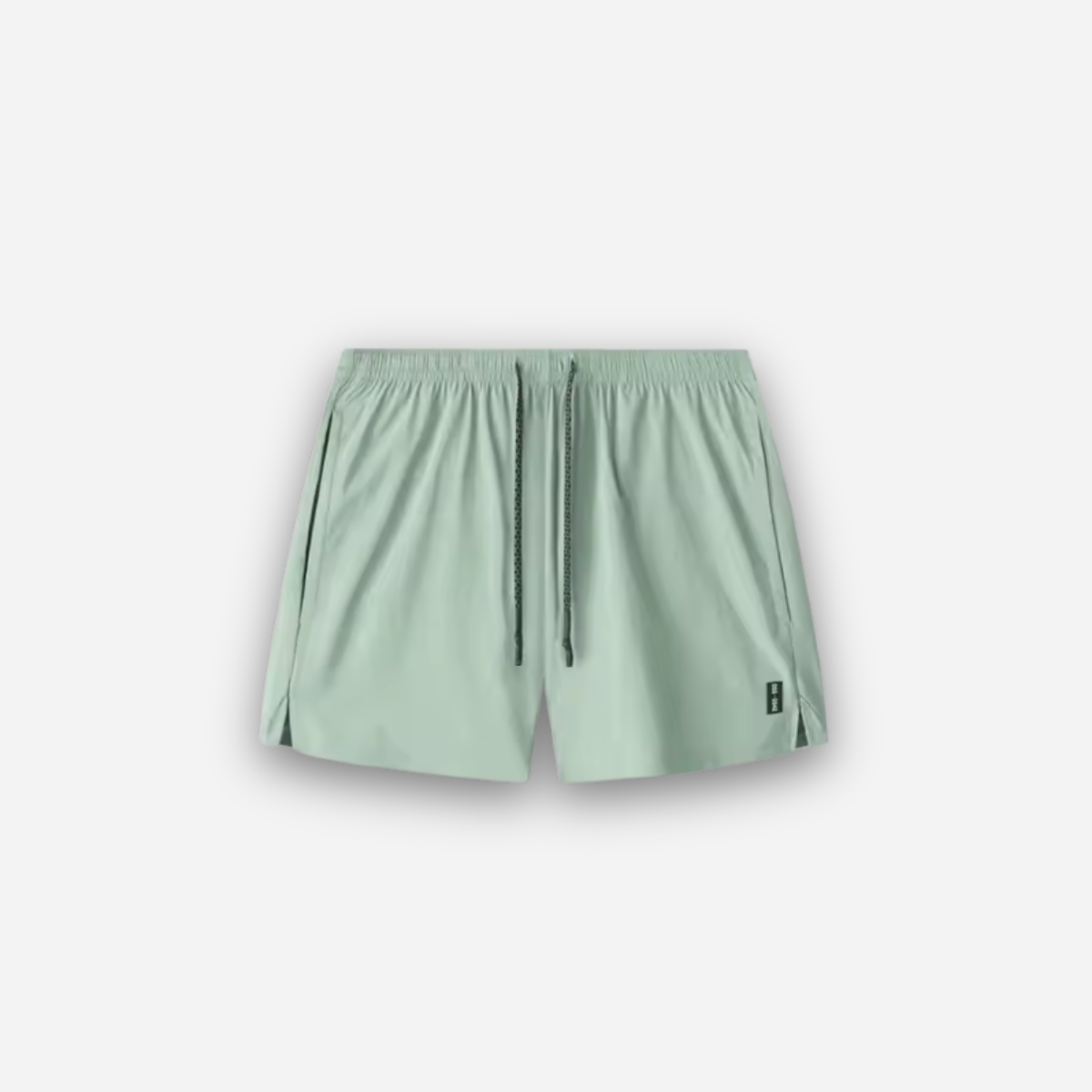
Browse the full Pheuw collection, select the heart icon on any product card or product page, and the item is saved instantly. Open this page at any time to see every saved piece with its current price, size options and stock status, so you always know what is still available.
You can build your list as a guest. Sign in to your Pheuw account to keep saved items synced across your phone, tablet and computer, so a pair of shorts spotted on your commute is waiting on your laptop at home.
When you are ready, choose your size and add products straight to your cart, then complete a secure checkout. Removing a product you no longer want takes a single click, so your shortlist stays clean and current.
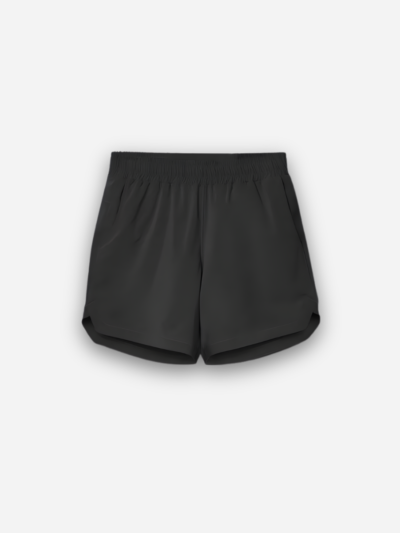
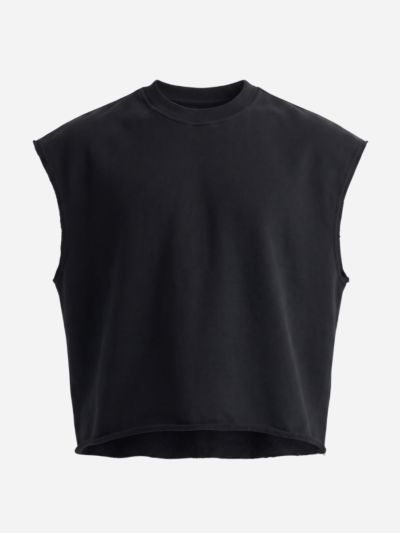
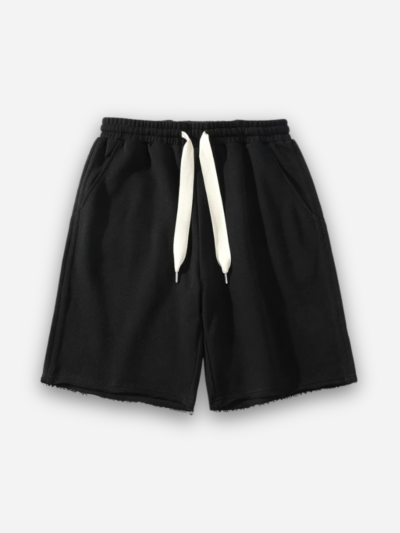
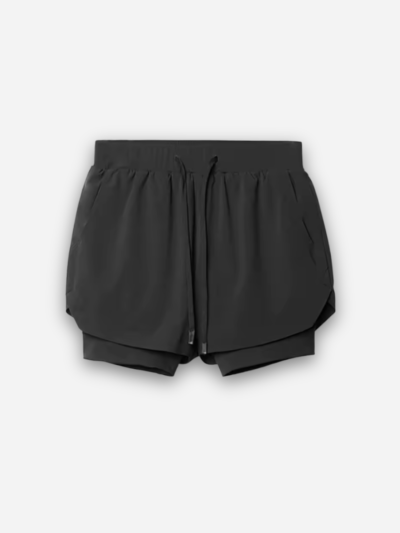
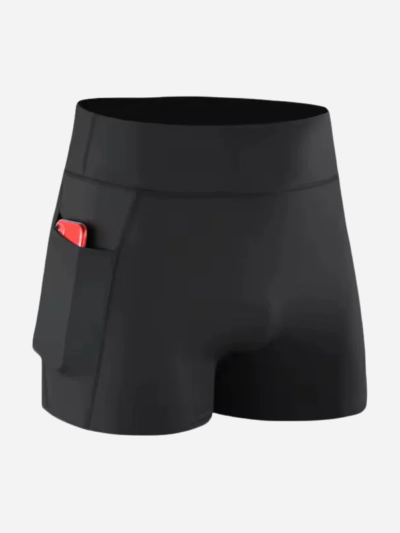
Every product in the store can be saved, including Aero-Woven Quarter Shorts, heavyweight sweat shorts, running shorts, 2-in-1 shorts, compression shorts, compression shirts, sleeveless shirts, athletic boxer briefs and photochromic sunglasses.
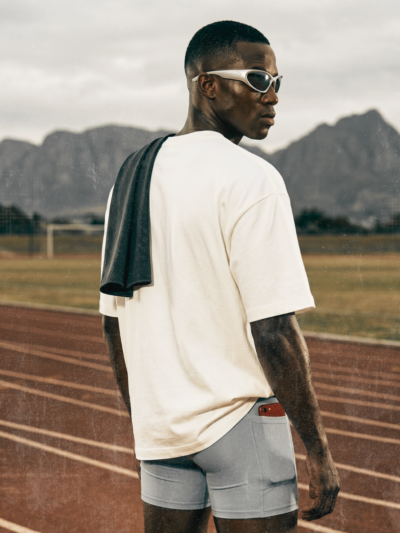
Saving products side by side makes it easy to plan a complete outfit. Pair breathable running shorts with a snug base layer, add a compression garment for support during hard sessions, and finish with photochromic lenses that adapt as the light changes on your run or ride. Compare fabrics, fits and prices before you decide, and buy everything in one order to keep shipping simple.
A shortlist helps you compare styles, plan around payday or a sale, track items you want later, and collect gift ideas for friends and family. It also means you never lose track of a product you liked after closing the browser. If you are a student, check our student discount before you buy.
Fit matters as much as style. Before you move a saved piece to your cart, check the size guide on its product page and compare it with a pair you already own. Athletic shorts should move with you without riding up, compression layers should feel snug but never restrictive, and boxer briefs should stay in place through long workouts. If you are between sizes, read the product description and customer feedback for fit notes.
Saved items are the easiest way to keep an eye on sales. Come back to your wishlist regularly to check for new discounts, limited drops and restocked sizes. Joining the Pheuw Club newsletter at the bottom of the page is another simple way to hear about new releases before they sell out.
No. Guests can save items right away, but signing in keeps everything synced across your devices.
No. Saving a product does not hold stock or lock the price. Add it to your cart and check out when you are ready to buy.
Select the remove icon next to the product on this page and it disappears from your list immediately.
Read our Shipping Policy, Payment Options, Refund Policy and FAQ, or contact us and our team will help.